Earn $3 PerApproved Recording Hour
Record genuine household activities from a first-person view using an iPhone mounted on a head strap. Earn $3 for every approved recording hour.
- 1. Set up your iPhone
- 2. Record real activities
- 3. Upload for review
- 4. Get paid for approved hours
Already have an account? Sign in
Everyday tasks you can record.
Some of the tasks currently available in the Atlas Capture app.
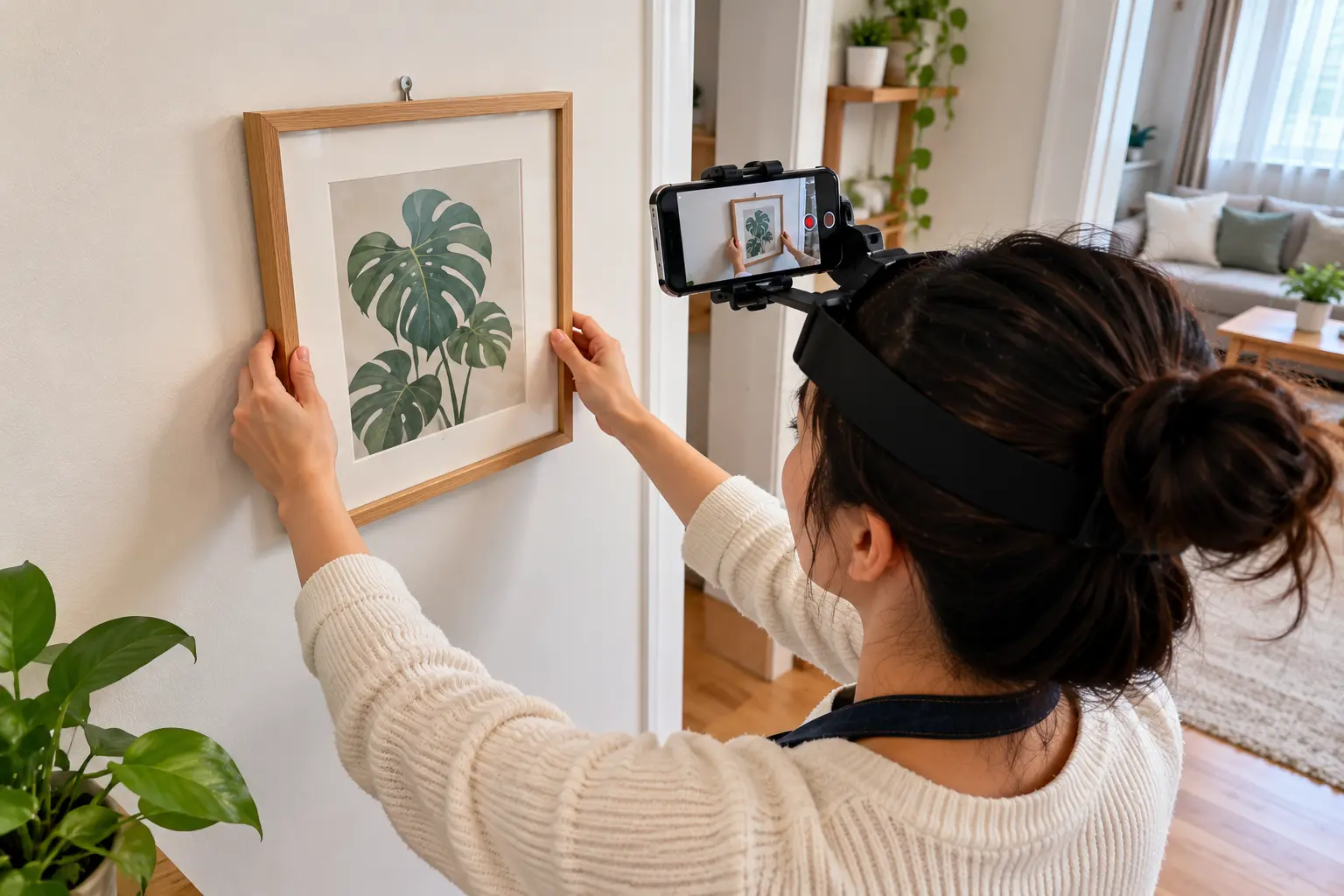 1
Hang a picture or install a hook
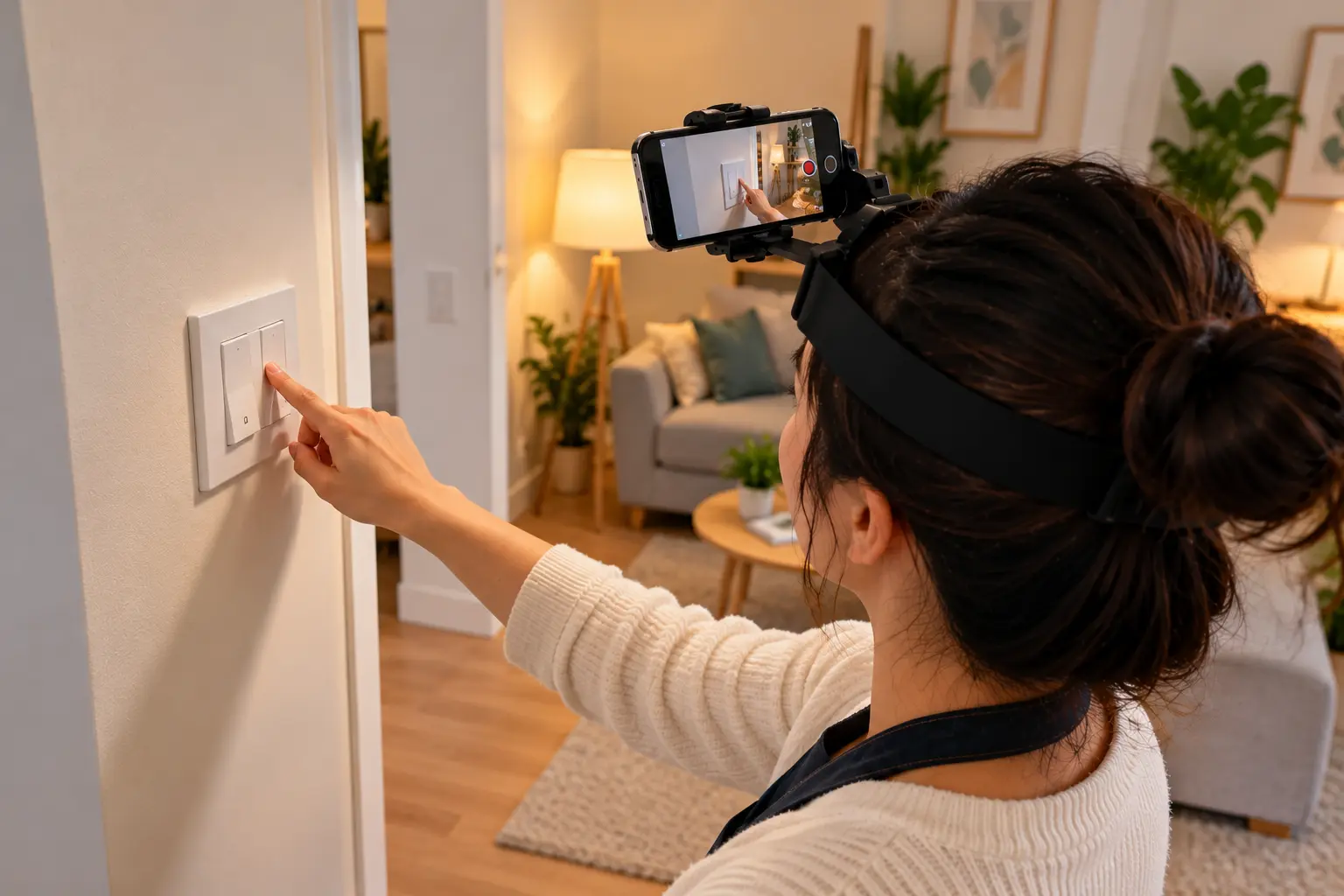 2
Turn every light and switch in the entire house on and off
 3
Empty and rearrange the fridge and freezer
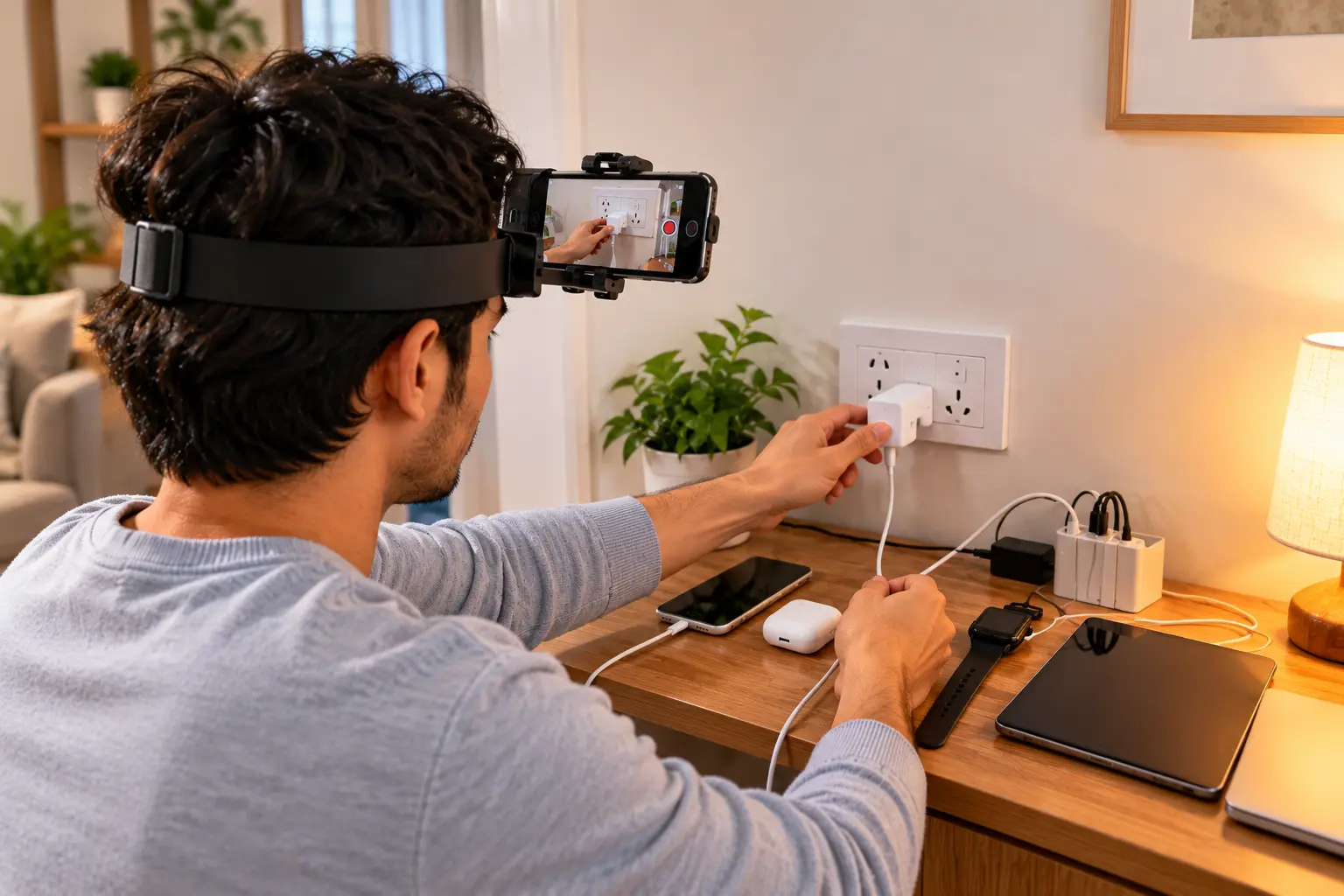 4
Charge every electronic device or replace its batteries
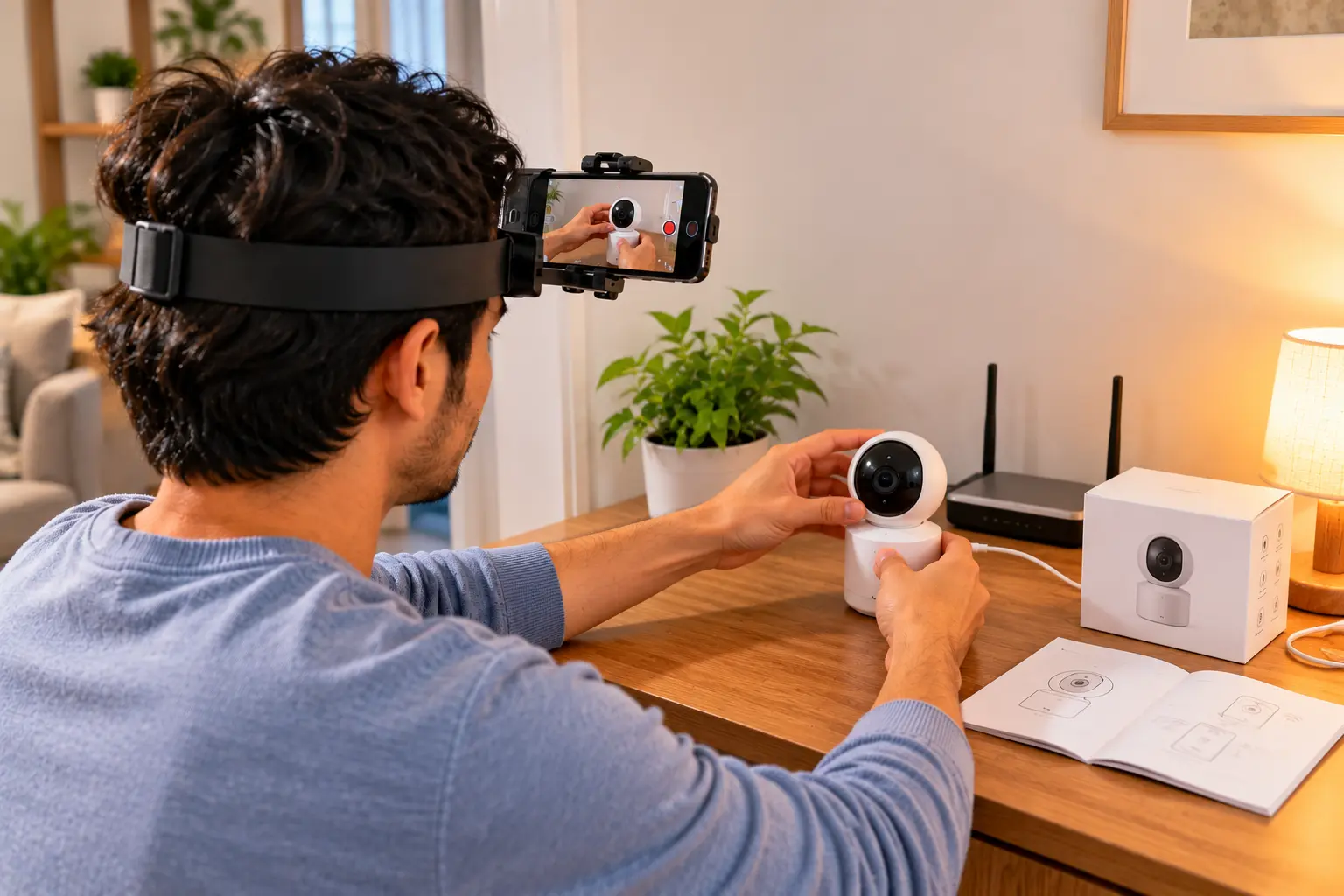 5
Set up a new device
From signup to your first payment.
A simple 5-step flow.
- 1
Create Your Account
Sign up on this portal and create your contributor account using your email.
- 2
Download Atlas Capture
Download the Atlas Capture app, open it, select External Partner → Recorder and enter the access code.

Access code
QUAXTJ
- 3
Set Up Your iPhone
Mount the iPhone on a head strap above your eyebrows, in landscape mode, tilted about 45° downward.
- Head strap
- Above eyebrows
- Landscape mode
- Tighten strap
- Tilt 45° down
- Hands and work area visible
- 4
Record and Upload
Record genuine household activities and upload them directly through the Atlas Capture app.
Both hands visibleWork area visibleNatural pace - 5
Get Paid From Your Wallet
Earn $3 per accepted recording hour. Accepted earnings are credited to your contributor wallet, and you can withdraw once your balance reaches the minimum threshold.
Per accepted hour
$3
Withdraw from wallet at
$10
Withdrawal processed from your contributor wallet

Get paid instantly, right to your account.
Once your hours are approved, your earnings are sent directly to your account using the fastest method available in your country.
Instant payouts to your account
Get your money the moment your work is approved — no waiting. We support fast rails like RTP, FedNow, PIX, SEPA, Same Day ACH and more.
Payment methods by country
Available payment methods may vary depending on your country. New countries and methods are added regularly.
What you need and what to follow.
Follow the instructions in the Atlas Capture app and the project guidelines for every recording.
- iPhone 12 or newer
- Head strap required
- $3 per accepted recording hour
- Countries in Asia and Africa only
Do's and Don'ts
- Use an iPhone 12 or newer.Do not use Android devices or older iPhones.
- Record and upload through the Atlas Capture app.Do not use other recording or submission methods.
- Mount the iPhone on a head strap above your eyebrows.Do not hold the phone while recording.
- Keep the phone in landscape mode with the strap securely tightened.Do not record vertically or with a loose strap.
- Tilt the camera approximately 45° downward.Do not point the camera straight ahead if the work area is not visible.
- Keep both hands and the work area visible.Do not perform actions outside the camera frame.
- Perform genuine household activities at a natural pace.Do not stage activities or deliberately change your working speed.
- Ensure nobody under 19 is visible or audible.Stop recording immediately if a minor enters or can be heard.
- Wear shoes or closed slippers.Do not record barefoot or with exposed toes.
- Choose suitable household and food-handling activities.Do not handle raw meat, chicken, fish, or rotten food.
Failure to strictly follow the app instructions or project guidelines may result in immediate removal from the project.
About SoftAge AI
SoftAge AI connects people and companies with first-person video collection projects for artificial intelligence and robotics training. The platform's official domain is contribute.softage.ai, where you create your account, access projects, and track approved work.
Official Channels
Join our official community channels for updates, support, and announcements. Always verify links before joining.
 WhatsApp
Frequently Asked Questions (FAQs)
Who can join the project?
The project is open to contributors in countries in Asia and Africa only.
Which devices are supported?
You need an iPhone 12 or newer and a head strap. Android devices and older iPhones are not supported.
Which app do I use to record?
Record and upload through the Atlas Capture app only. Download it from the App Store and follow the on-screen instructions to get started.
How much do I earn?
You earn $3 per accepted recording hour. Only accepted hours are eligible for payment.
How and when do I get paid?
Payments are processed through Dots. Once your accepted earnings reach $10, you receive a payment link at your registered email to claim your payment.
What activities can I record?
Genuine household and food-handling activities at a natural pace. Do not handle raw meat, chicken, fish, or rotten food, and do not stage activities.
Are there any safety or privacy rules?
Wear shoes or closed slippers. Make sure nobody under 19 is visible or audible, and stop recording immediately if a minor enters or can be heard.
What happens if I don't follow the guidelines?
Only accepted recording hours are paid. Failing to strictly follow the app instructions or project guidelines may result in immediate removal from the project.
How can I get support?
Email robo4@softage.ai.
Start recording today and turn everyday moments into earnings.
Create your free account and start earning.